Veo 3.1: The Cinematic Standard
for AI Video.
Google's most capable video generation model. 4K resolution, 24fps native rendering, and unprecedented understanding of cinematic language.
Hollywood-grade fidelity.
Key capabilities of the Veo 3.1 AI video generator — cinematic light and 4K output.
Native 4K Rendering — No Upscaling
- 01True 4K output without post-processing upscale
- 02HDR support with broadcast-grade color depth
- 03Film grain and texture fidelity preserved
Masked Editing — Surgical Precision
- 01Region-specific regeneration without full re-render
- 02Preserve 95%+ of the original clip unchanged
- 03Perfect for iterative refinement of hero shots
Gemini-Powered Cinematic Language
- 01Understands 100+ cinematography terms natively
- 02Camera motion from natural language descriptions
- 03Gemini 2.5 backbone for deep prompt comprehension
Long-Form Coherence & Object Permanence
- 01Object permanence across the entire clip duration
- 02Physics-aware interactions (reflections, shadows)
- 03Consistent backgrounds through camera movement
The reel.
Photorealistic cinematic shots — lighting, depth, and color grading from text.
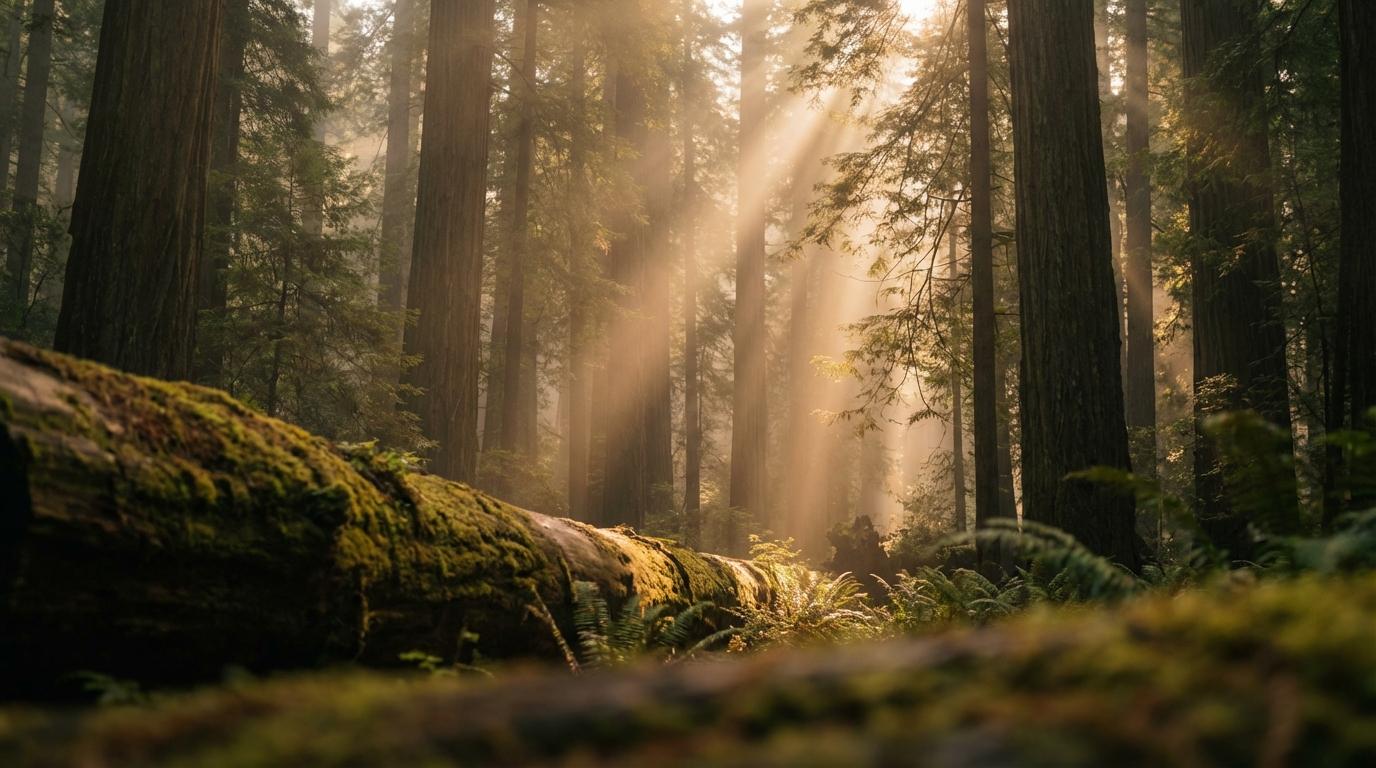
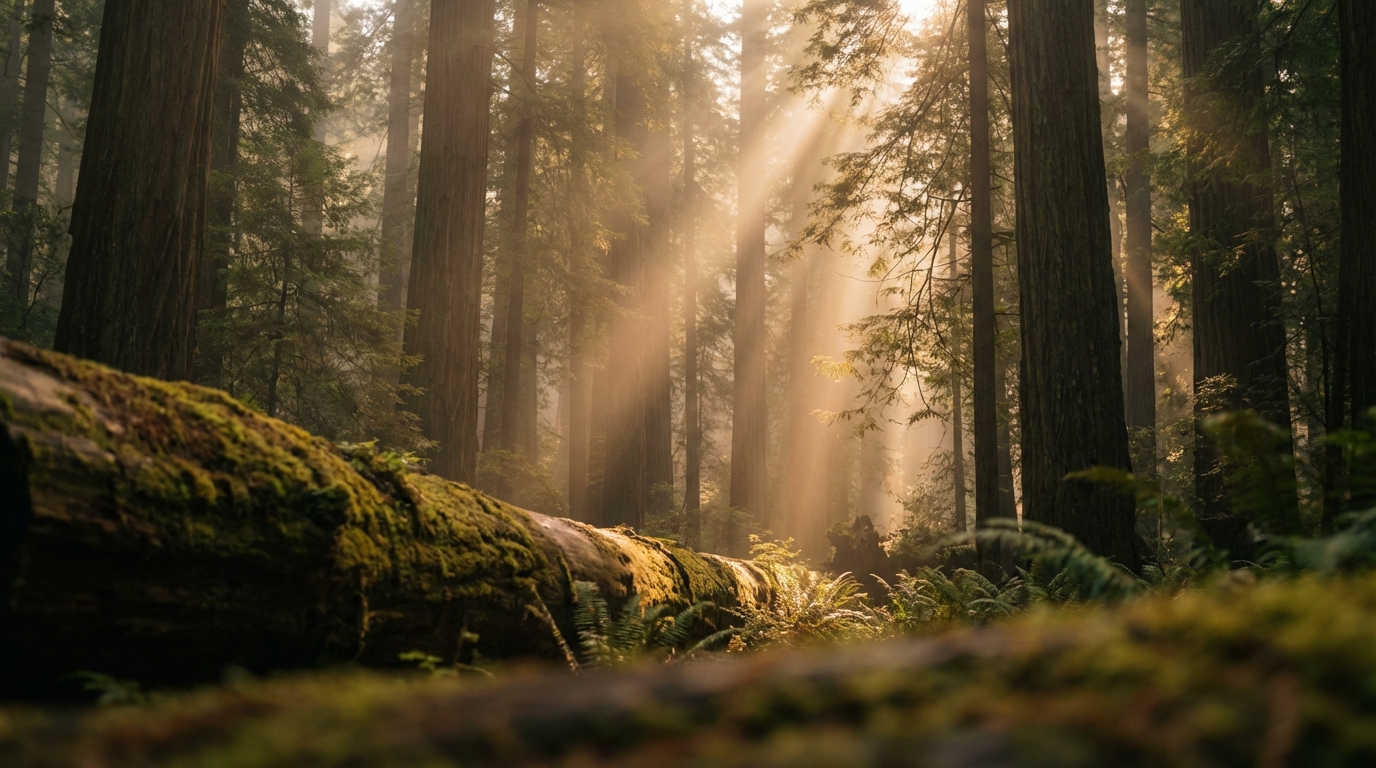
Cinematic establishing shot of ancient redwood forest at golden hour, volumetric light rays piercing through canopy, morning mist, shallow depth of field, Arri Alexa quality
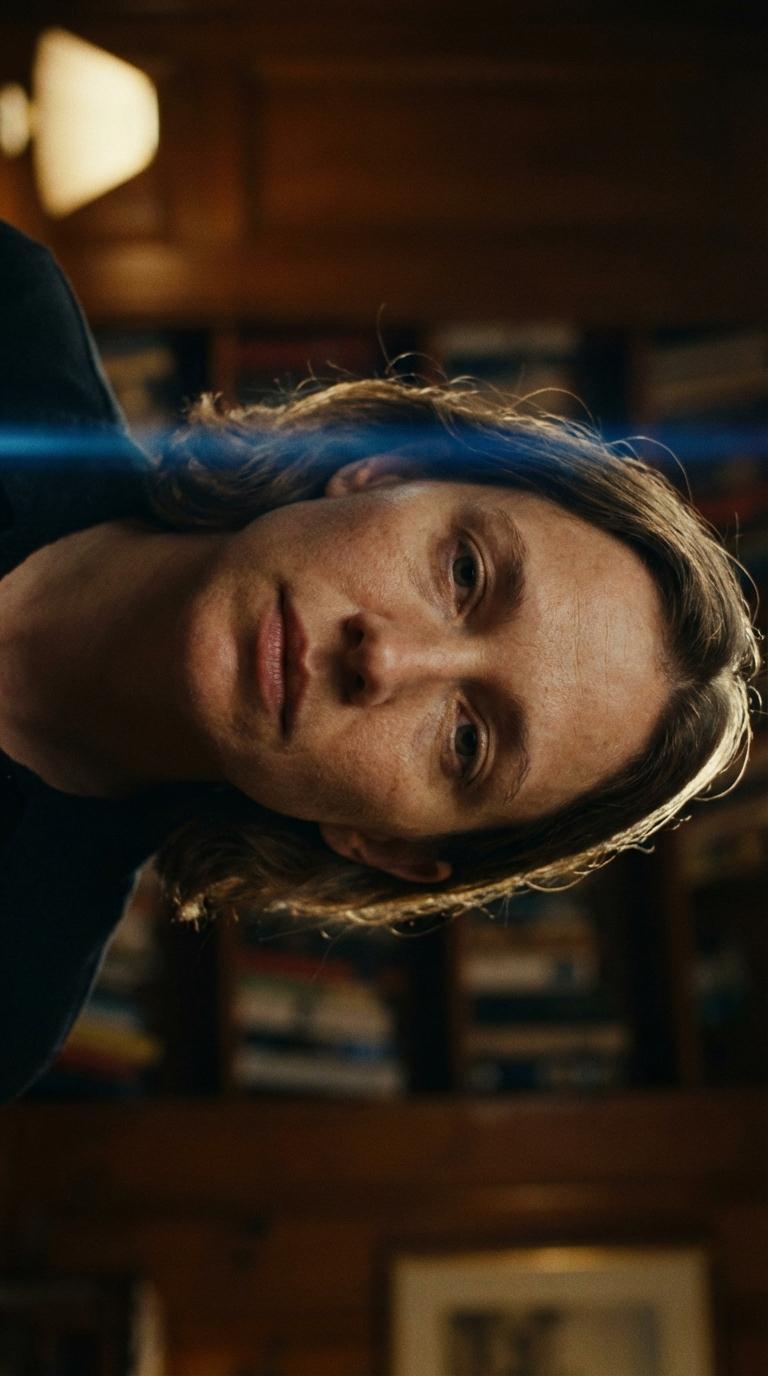
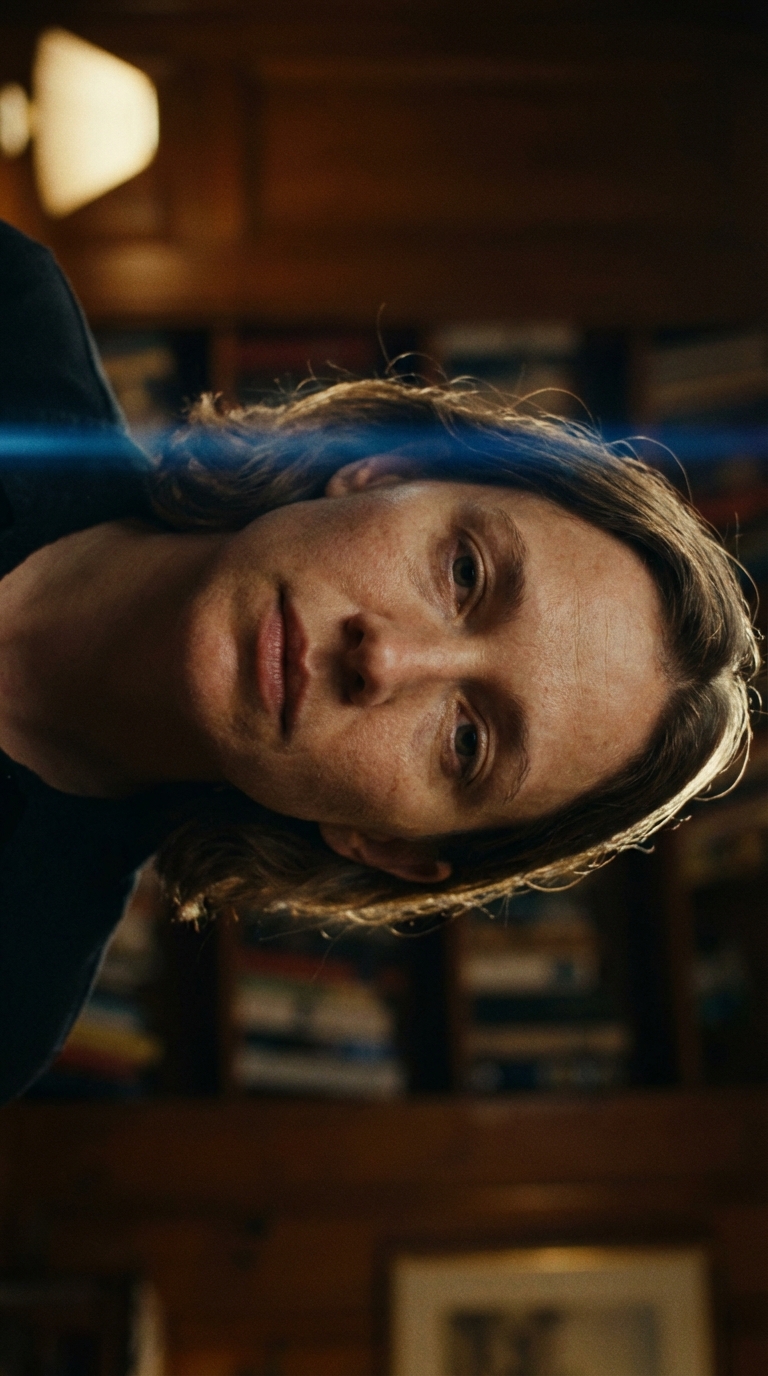
Close-up portrait of a woman with Rembrandt lighting, single key light from upper left, subtle rim light on hair, shallow depth of field, anamorphic lens flare, film grain
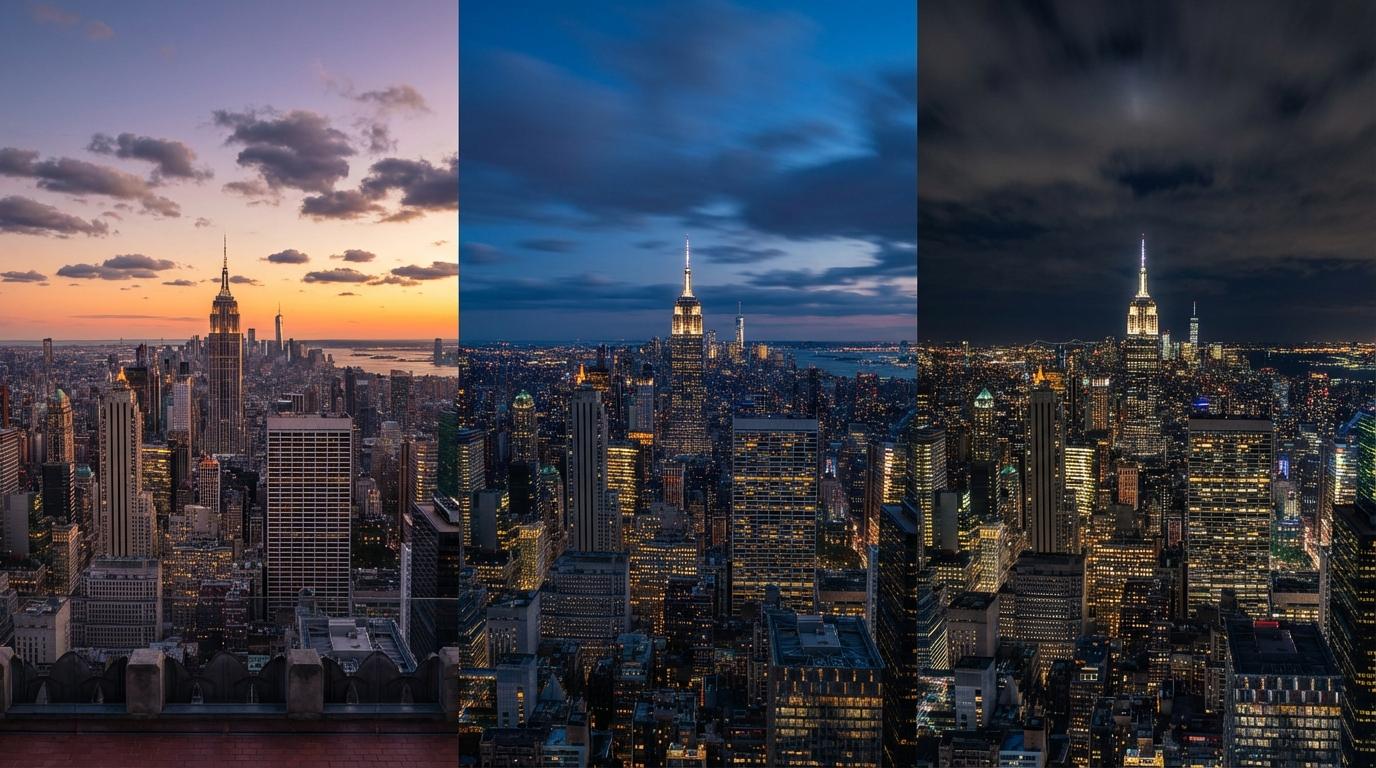
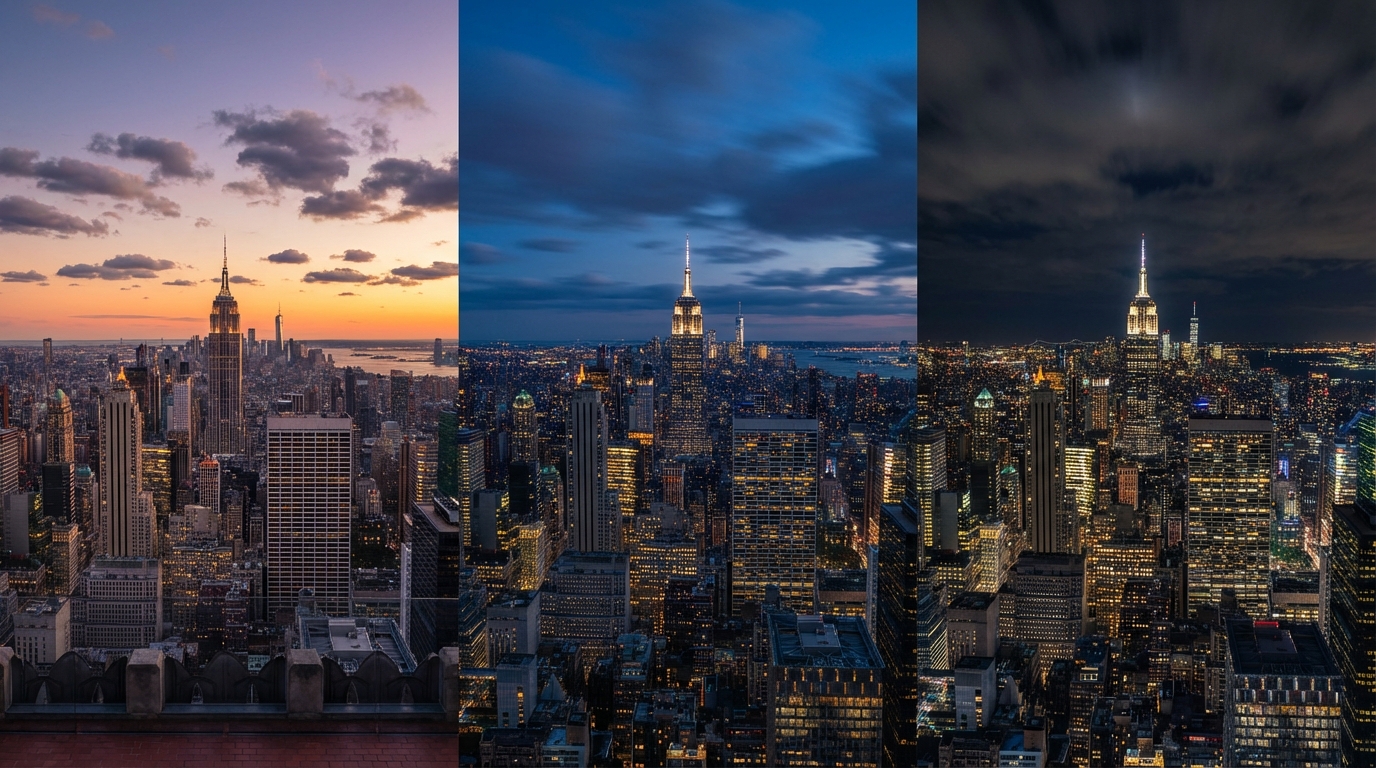
Hyperlapse of New York City skyline transitioning from sunset to blue hour to night, lights gradually turning on, clouds moving overhead, rooftop perspective, 4K detail
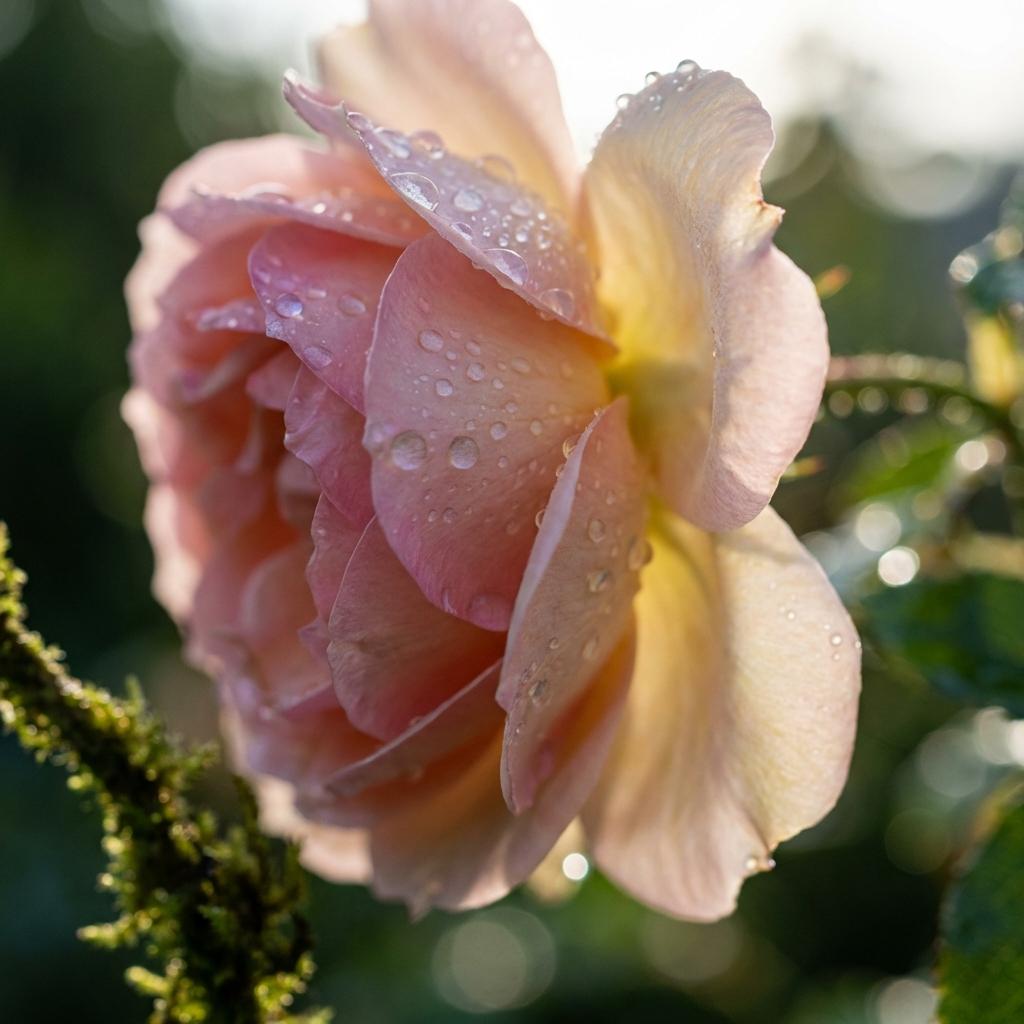
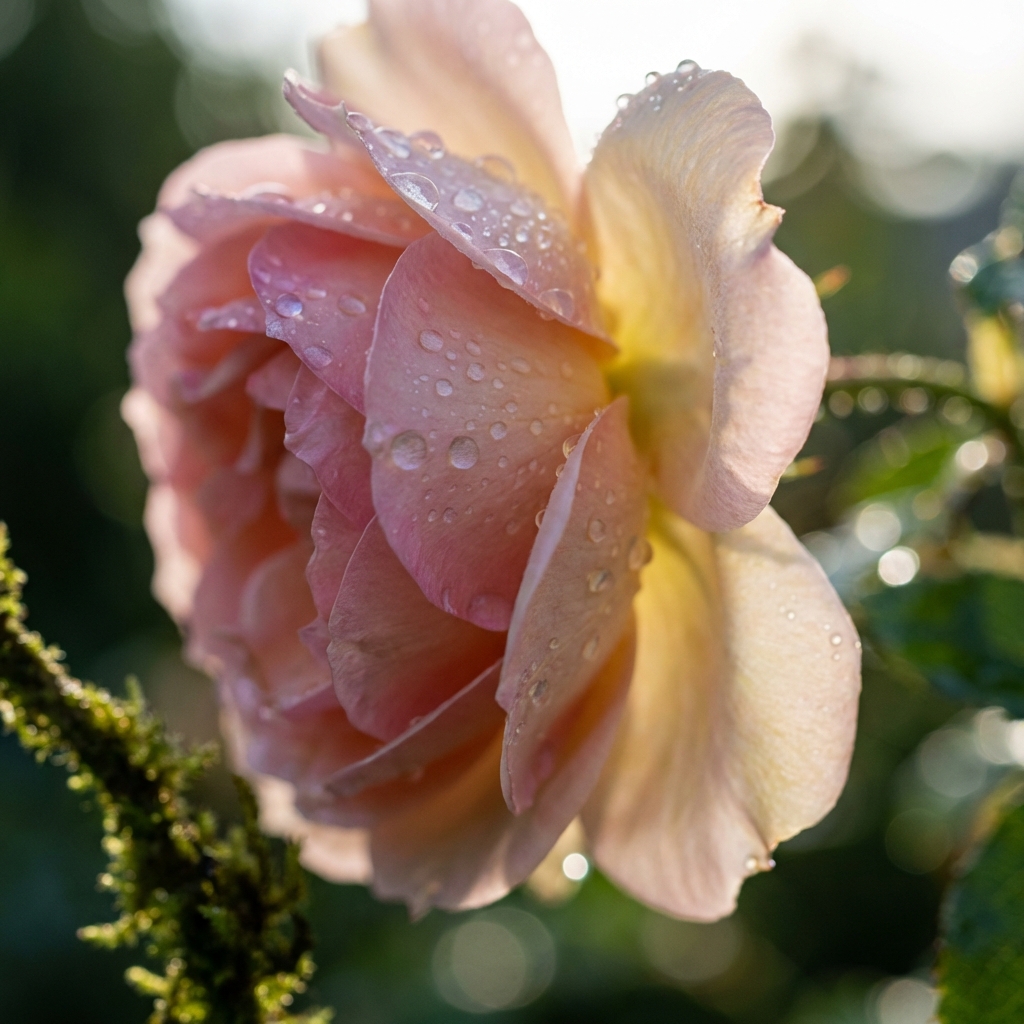
Extreme macro time-lapse of a rose blooming, morning dew drops glistening, translucent petals catching backlight, shallow depth of field, botanical documentary style
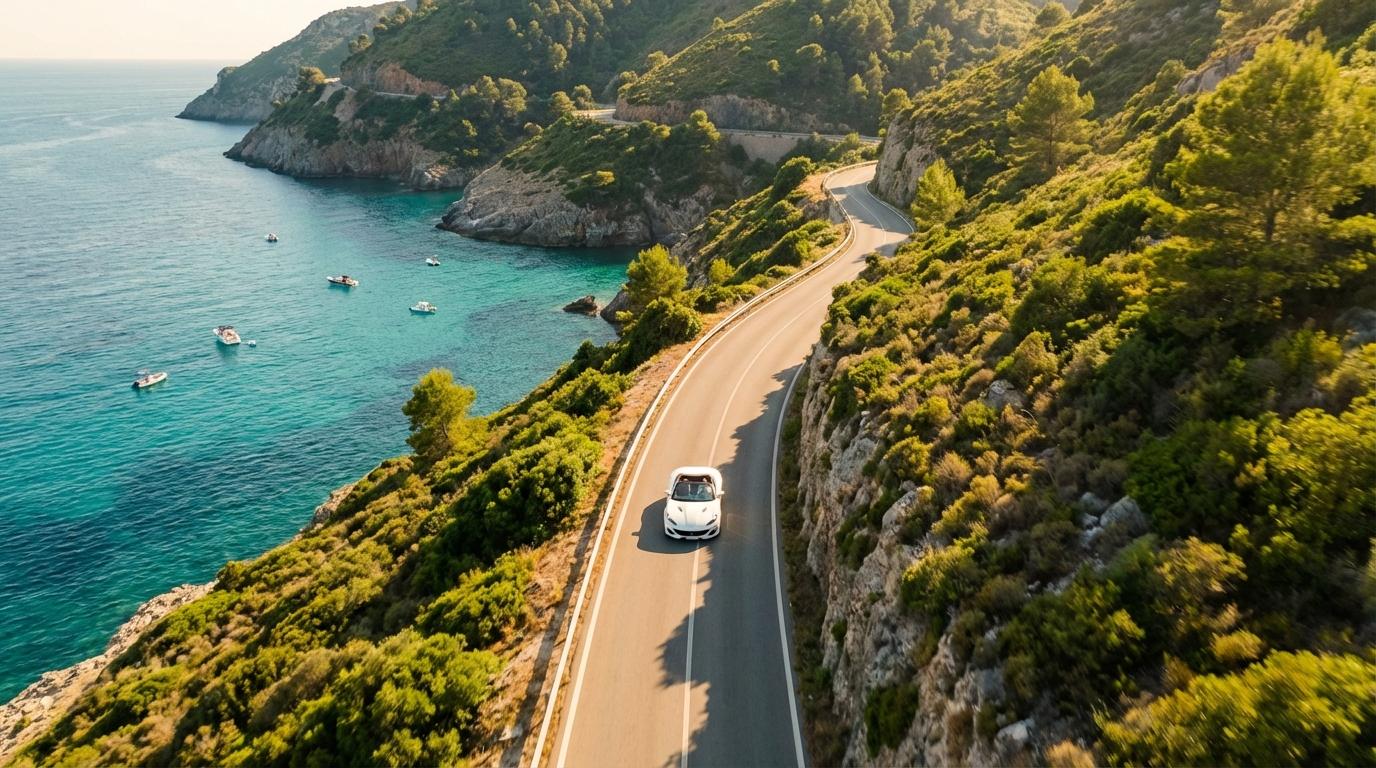
Aerial drone shot following a winding coastal road, turquoise ocean on one side, lush green cliffs on the other, white car driving, Mediterranean summer light, smooth tracking
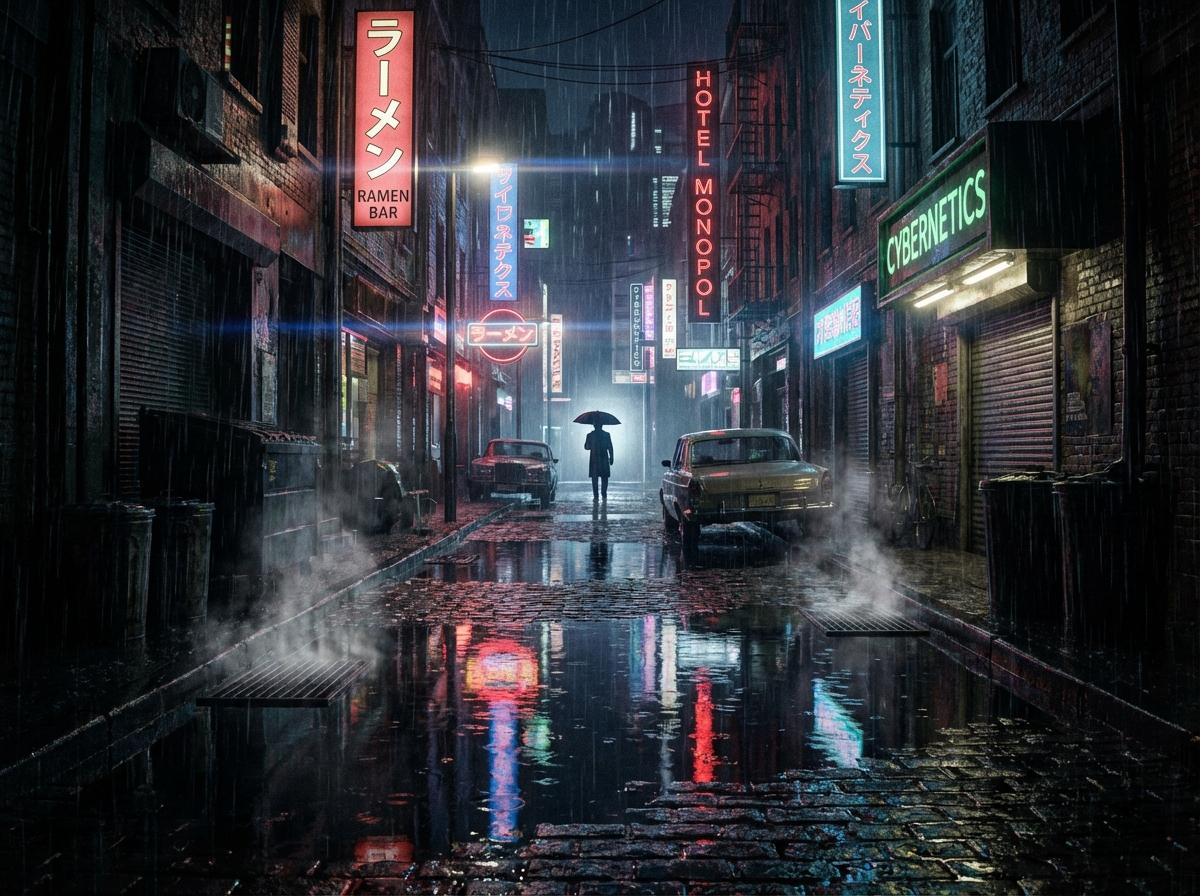
Film noir alley scene, heavy rain, neon signs reflecting in puddles, silhouette of figure with umbrella, high contrast, anamorphic lens, Blade Runner atmosphere, 4K HDR
Fidelity without compromise.
Veo 3.1 bridges the gap between generative AI and professional production workflows.
Native Foley Audio
Sound That Matches the Scene
Veo 3.1 generates ambient audio, environmental sound effects, and Foley tracks that match the visual physics of each scene — without external audio tools.
Multi-Frame Rate Output
24fps / 30fps / 60fps
Choose the frame rate that fits your project. 24fps for cinematic feel, 30fps for broadcast, or 60fps for smooth slow-motion and action sequences.
Broadcast-Ready Export
Straight to the Edit Bay
Download 4K MP4 files ready for post-production in Premiere Pro, DaVinci Resolve, or Final Cut. No re-encoding or format conversion needed.
Prompt-Driven Lighting
Direct Light Like a DP
Describe lighting setups in natural language — "three-point lighting with warm key", "backlit silhouette at sunset" — and Veo 3.1 renders them with photographic accuracy.
The high-end shootout.
Veo 3.1 vs Seedance 2.0 vs Sora 2 Pro — specs for quality-first creators.
| Dimension | Veo 3.1 | Sora 2 | Seedance 2.0 | Wan 2.7 |
|---|---|---|---|---|
| Max Resolution | Native 4K | 1080p / 4K | 2K | 1080p |
| Visual Style | Photorealism | Physics Sim | Motion Rich | Narrative |
| Prompt Understanding | Gemini-Level | GPT-4 Level | High | High |
| Editing Features | Masked Edit | Inpainting | R2V | Extension |
| Generation Time | ~1-2 mins | 5-10 mins | ~5 sec | ~10 sec |
Three steps to cinema.
How to generate video with Veo 3.1.
How to Prompt Veo 3.1 Like a Pro
Advanced techniques to unlock Veo 3.1's full cinematic potential.
Think Like a Cinematographer
Veo 3.1 understands professional camera language. Use specific terms like "rack focus from foreground to background", "steadicam tracking shot", or "Dutch angle low-key lighting" for precise results.
Reference Real Films
Mention specific visual styles in your prompt: "Blade Runner 2049 color palette", "Wes Anderson symmetry", "Christopher Nolan IMAX scale". Veo maps these references to concrete visual parameters.
Use Masked Editing for Iteration
Generate the base shot first, then use masked editing to refine specific regions. Fix a facial expression, change an outfit color, or add a prop — without losing the composition you already perfected.
Specify Light Sources Explicitly
Instead of "good lighting", describe the setup: "warm key light from upper-left at 45°, cool fill from lower-right, hair light from behind". Veo renders lighting rigs with DP-level accuracy.
Veo 3.1 FAQ
More engines.
Each model excels in different areas. Your credits work across all models.
Seedance 2.0
Multimodal video generation with reference images, audio guidance, and fast director-style iteration.
Generate with Seedance 2.0Wan 2.7
Fast narrative engine with Starring character consistency and 15s story arcs.
Create with Wan 2.7Seedance 2.0
12-input multimodal director with native lip-sync and zero-shot character lock.
Explore Seedance 2.0See the Difference.
Experience Veo 3.1 cinematic quality now. Start with free credits.