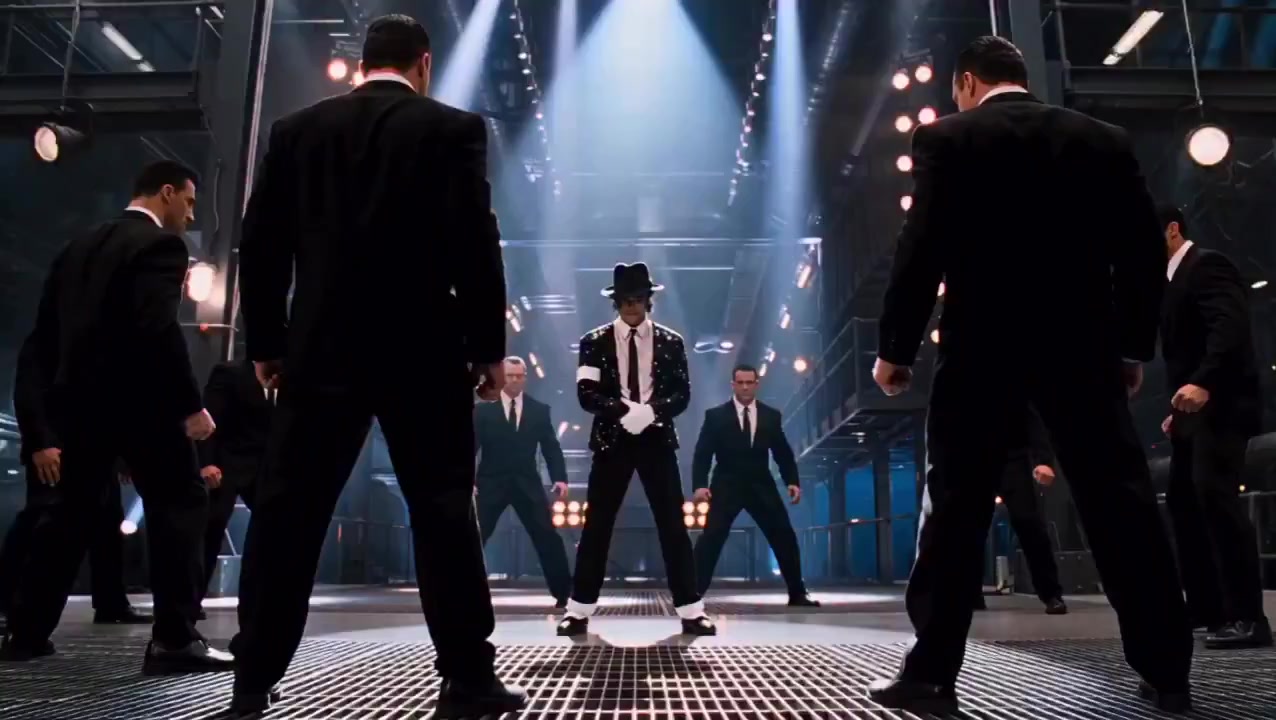
01
Full Music Video
16:9 YouTube / promo cut
A story-driven MV cut to the song, ready for launch posts and fan premieres.
Upload your song and artwork. Get a full visual release pack in minutes.
Turn one track into shareable release visuals for launch week.
Upload one track and get a full music video, Canvas loop, social clips, and visualizer assets for launch week.
A story-driven MV cut to the song, ready for launch posts and fan premieres.
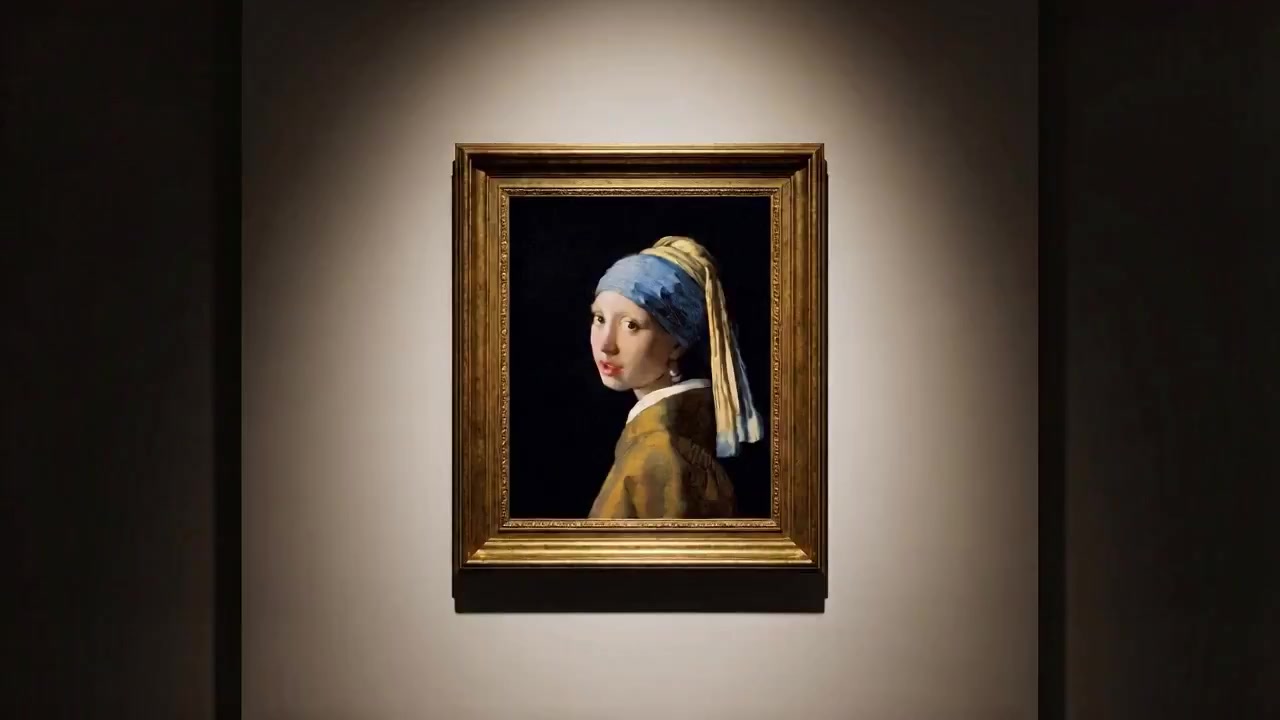
A repeatable visual loop that keeps your cover art moving while the song plays.
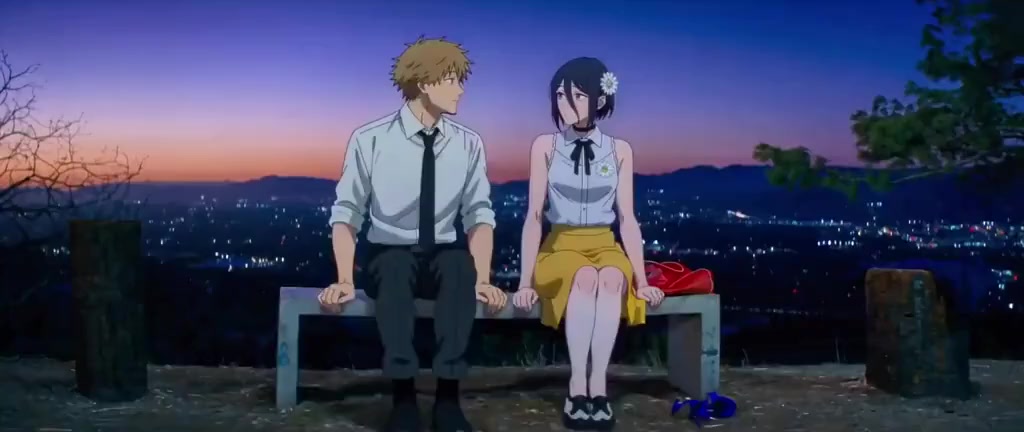
Short moments built around the chorus, vocal hit, or strongest beat drop.
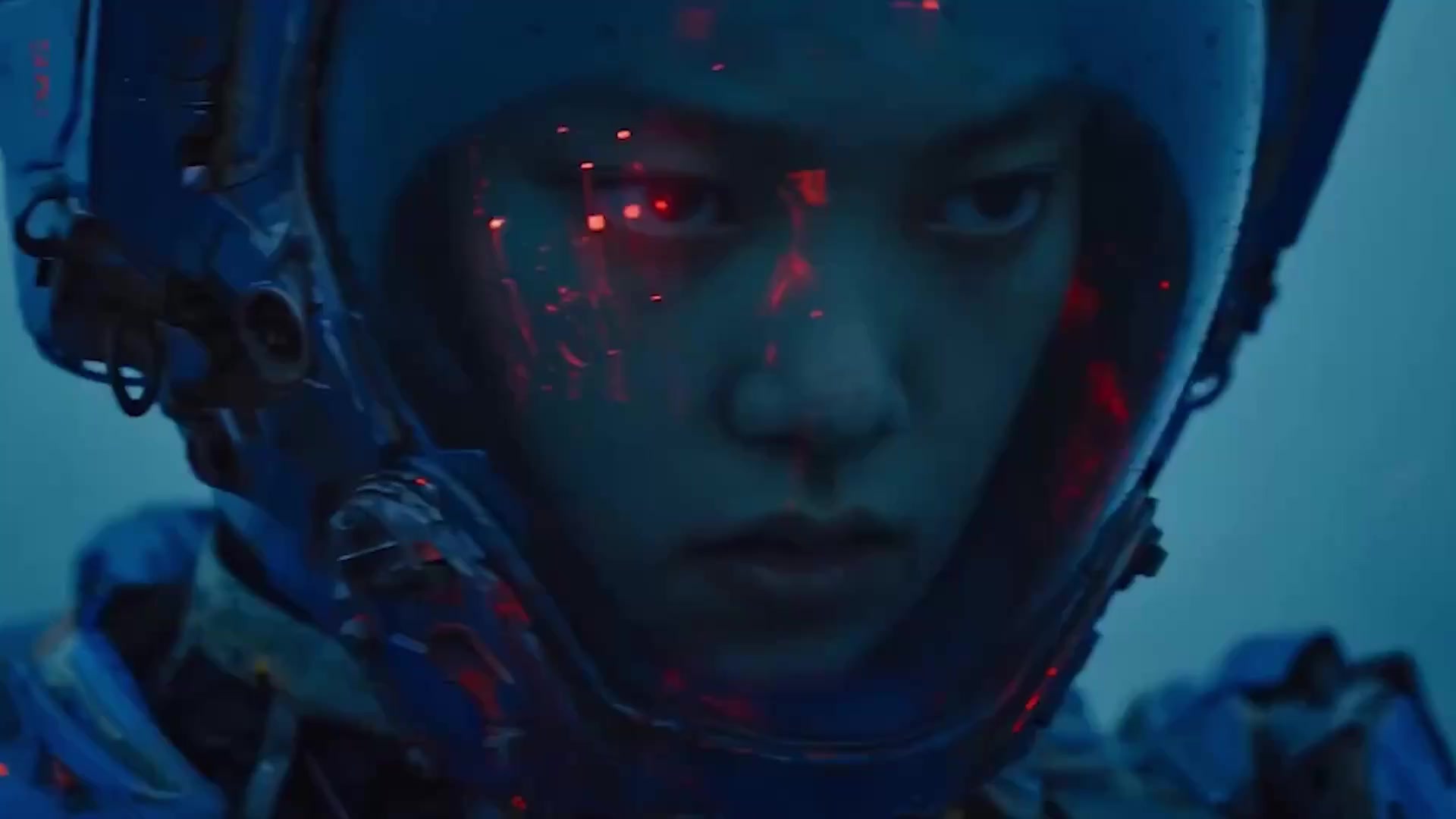
A clean visual background for teasers, lyric snippets, and YouTube uploads.
The AI MV generator is the entry point. The release visual pack is the outcome for YouTube, TikTok, Reels, Shorts, and release teasers.
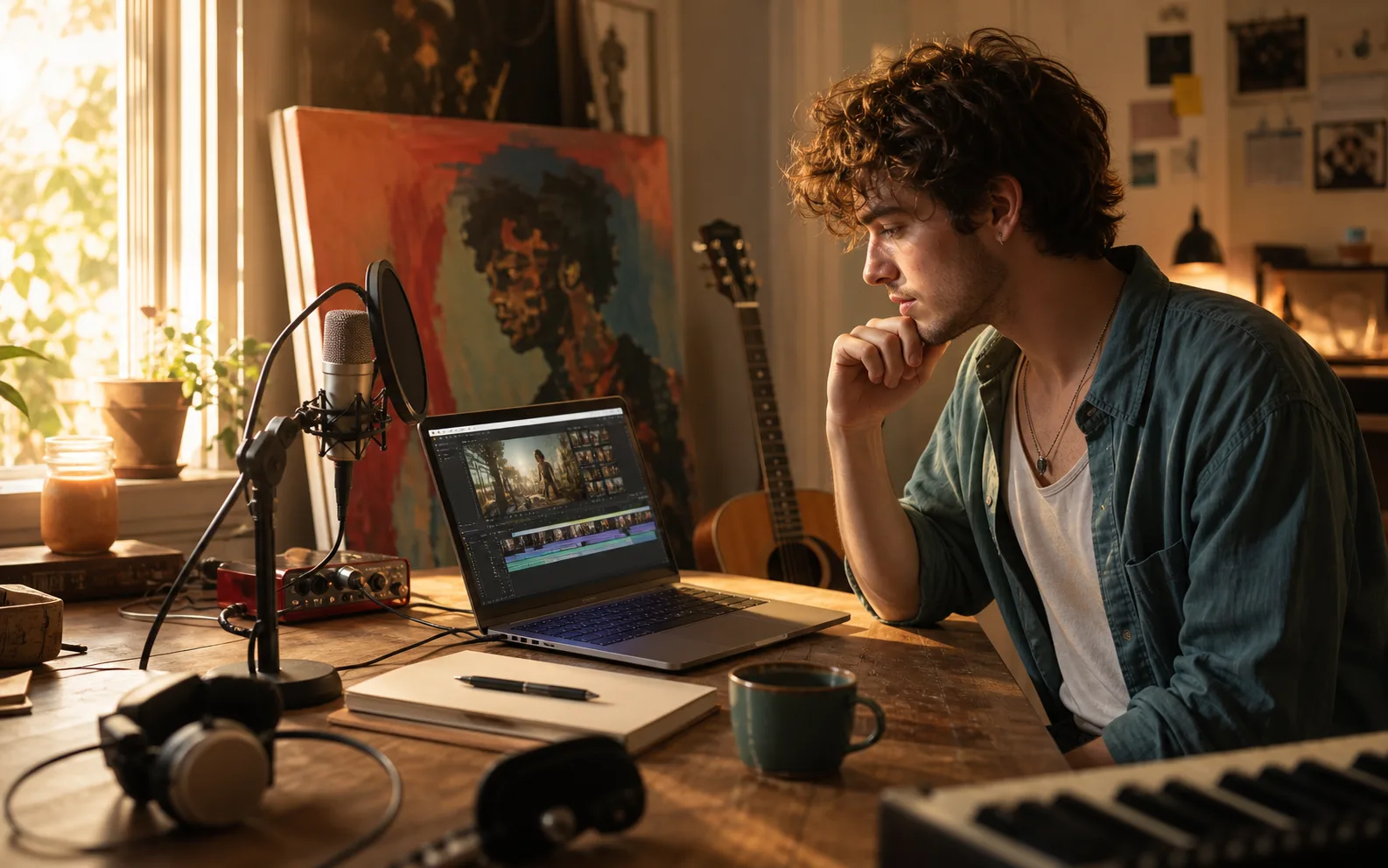
Release week needs more than one upload. Turn one mastered track into a finished MV plus short-form visuals without booking a shoot.
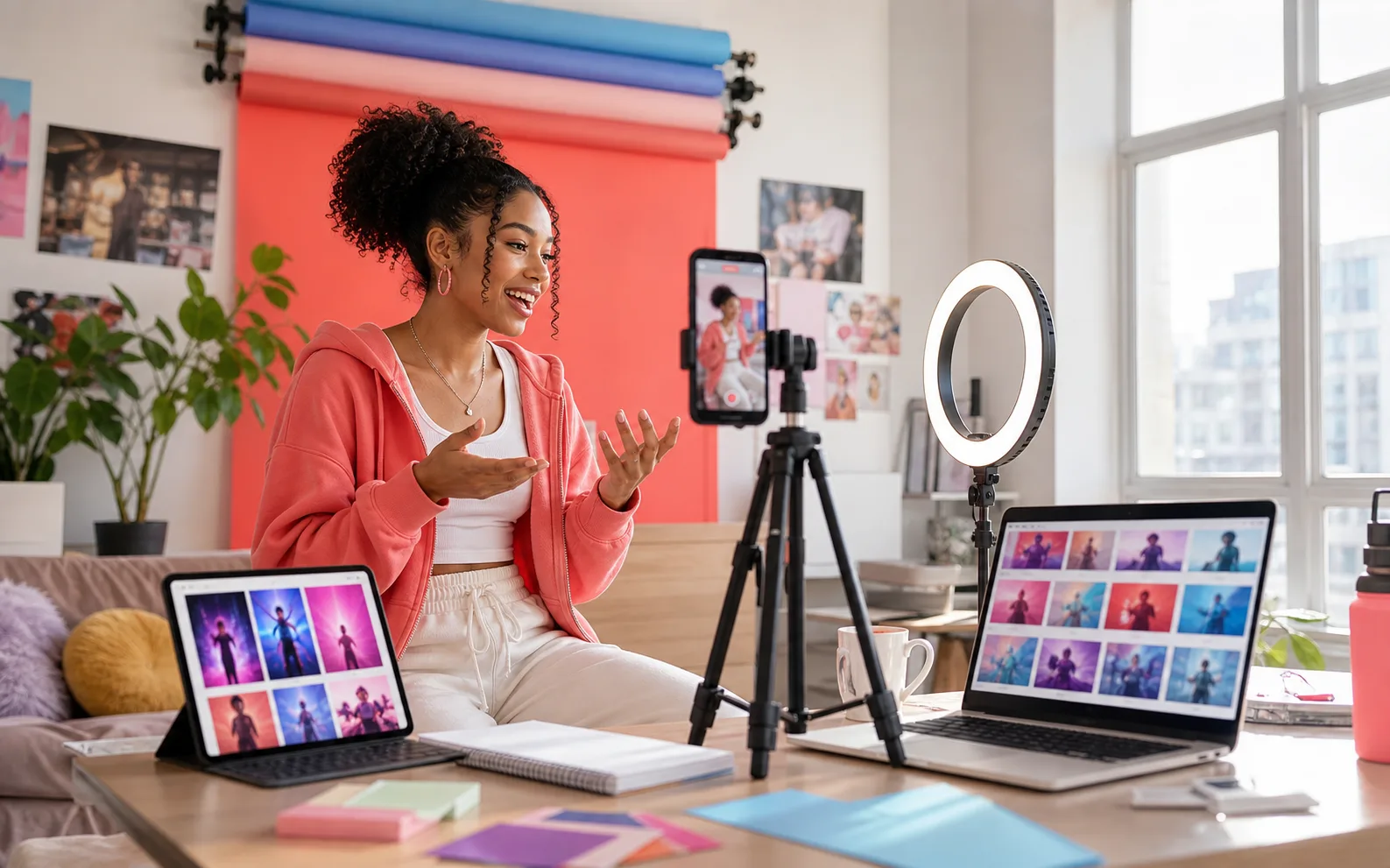
Make the hook visual. Use the same song to test story, singing, visualizer, animation, and cinematic directions.
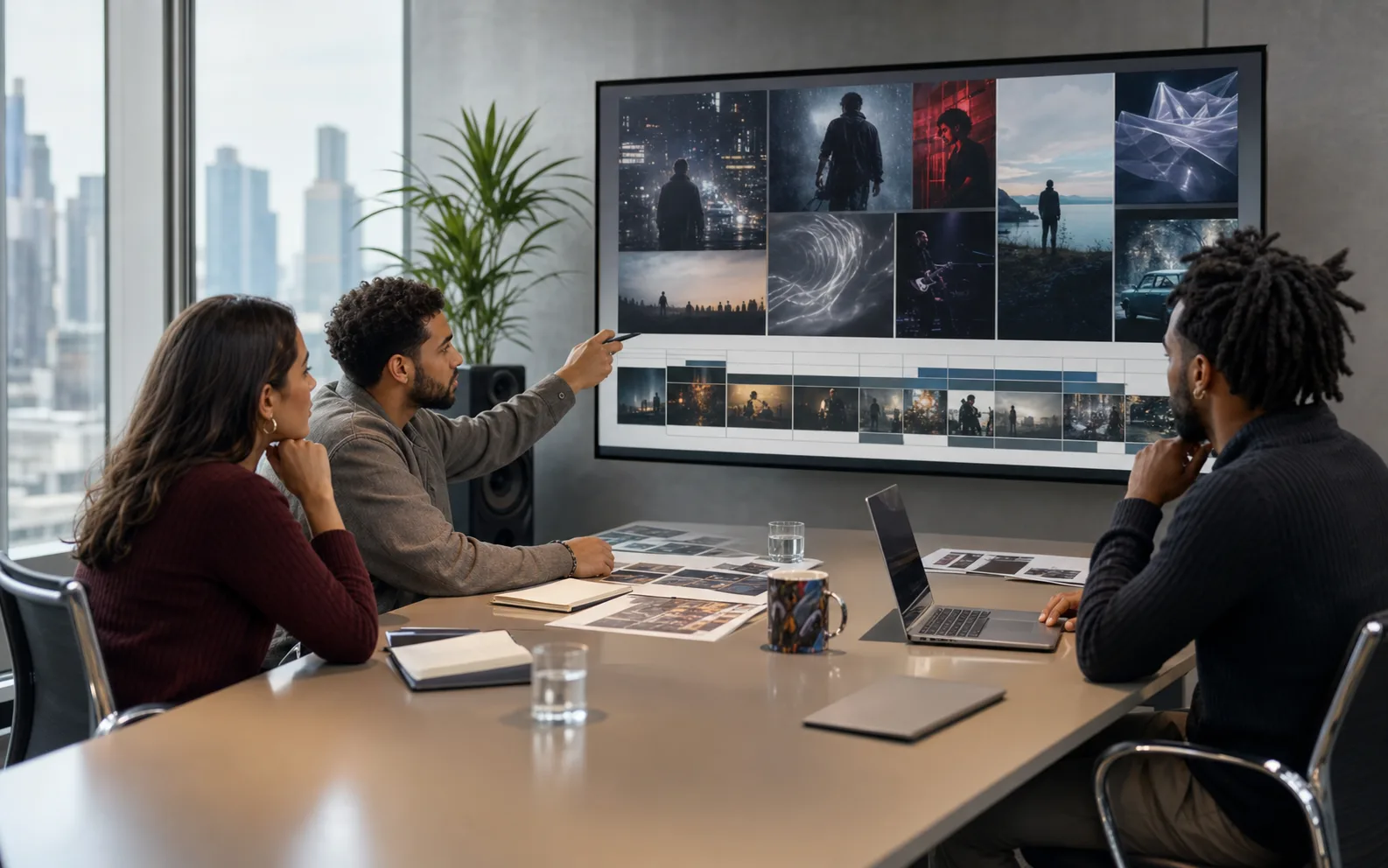
Try a visual treatment before committing production spend. Keep the audio, story, and references in one project.
The song is analyzed for beat, lyrics, chorus moments, and energy changes before scenes are planned.
Cuts, clip length, and visual changes are arranged around the rhythm so the final video feels musical.
Review the treatment, scenes, references, and prompts when you want creative control before the final render.
Upload a song, describe the vibe, and let the system plan the visual pack without timeline editing.
Story MV, Singing, Visualizer, Animation, and Cinematic cover common looks for singles and campaigns.
Use the finished MV, Canvas-style loop, short clips, and visualizers across YouTube, TikTok, Reels, and promos.
Regenerate or refine individual scenes in Director mode instead of starting the whole video from scratch.
Start with stable music-video defaults like Veo 3.1 720p, then adjust style and settings when needed.
Everything runs in the browser, so artists can create launch visuals without booking a shoot or opening pro editing software.
Upload once, pick the direction, then use the finished assets across YouTube, Spotify, TikTok, and release teasers.
Drop in any MP3, WAV, or M4A. The AI maps lyrics, beats, and chorus timing.
Write a short brief, pick a visual style, and choose Auto or Director mode. You see the estimated credits before anything generates.
AI plans the story, builds the storyboard, and generates release-ready clips from the same track.
Use the finished MV, Canvas-style loop, and short clips across your release channels.
Story MV, Singing, Visualizer, Animation, and Cinematic previews show how one audio upload can become different release visuals.

Upload a track, pick a style, and let AI build the music video, clips, and release visuals.